Animify
349 Styles · Draw It and It Moves
Animify — Image Processing & Whiteboard Animation
Download Now
Version 1.0 · Android 7.0 and above
64-bit only (arm64-v8a) · ~76 MB
About Animify
【Turn photos into art, doodles into animation】Pick a photo and render it in one of 349 styles in a single tap. Scribble a few strokes on the whiteboard and they come alive on their own, exported as GIF or Live Photo. Every image is processed locally on your phone — your photos are never uploaded.
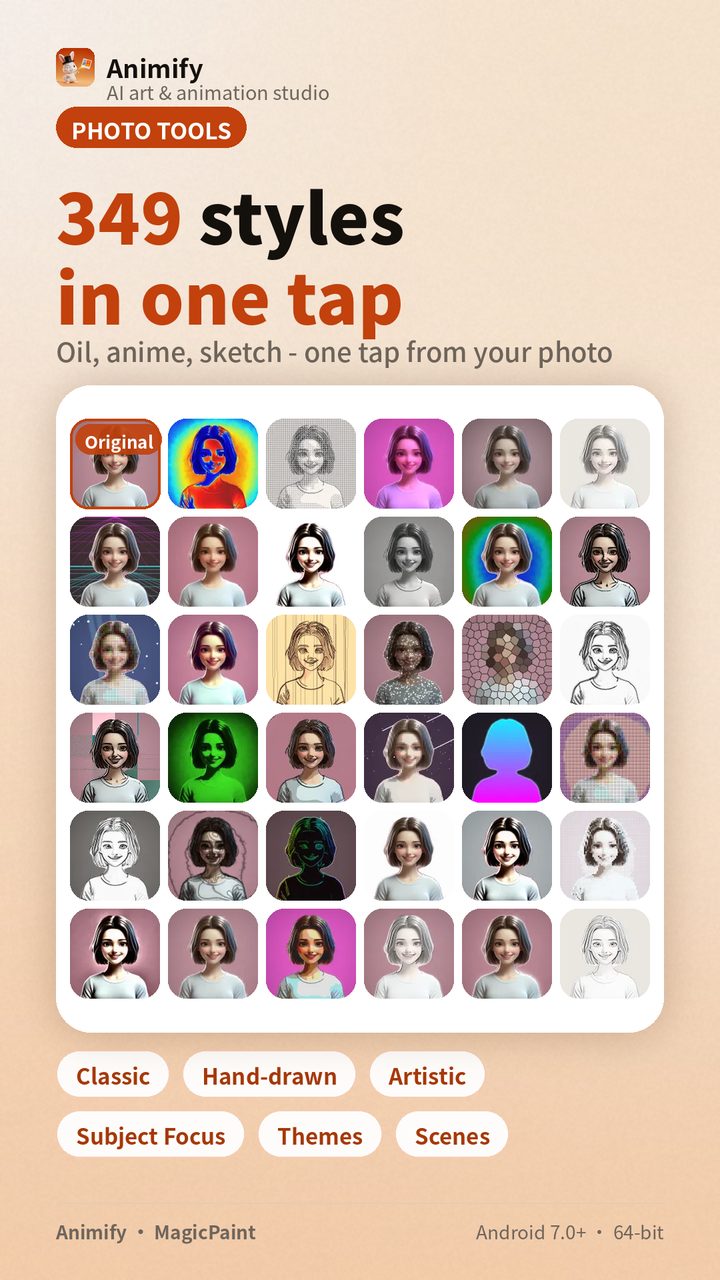
【349 styles, one-tap rendering】Oil painting, watercolor, pencil sketch, pen hatching, woodcut, stained glass, cel-shaded cartoon, claymation, 3D voxel, thermal imaging… the library is organized into 9 categories. Open a photo in the studio and swipe across to try them one by one; export whichever you like.
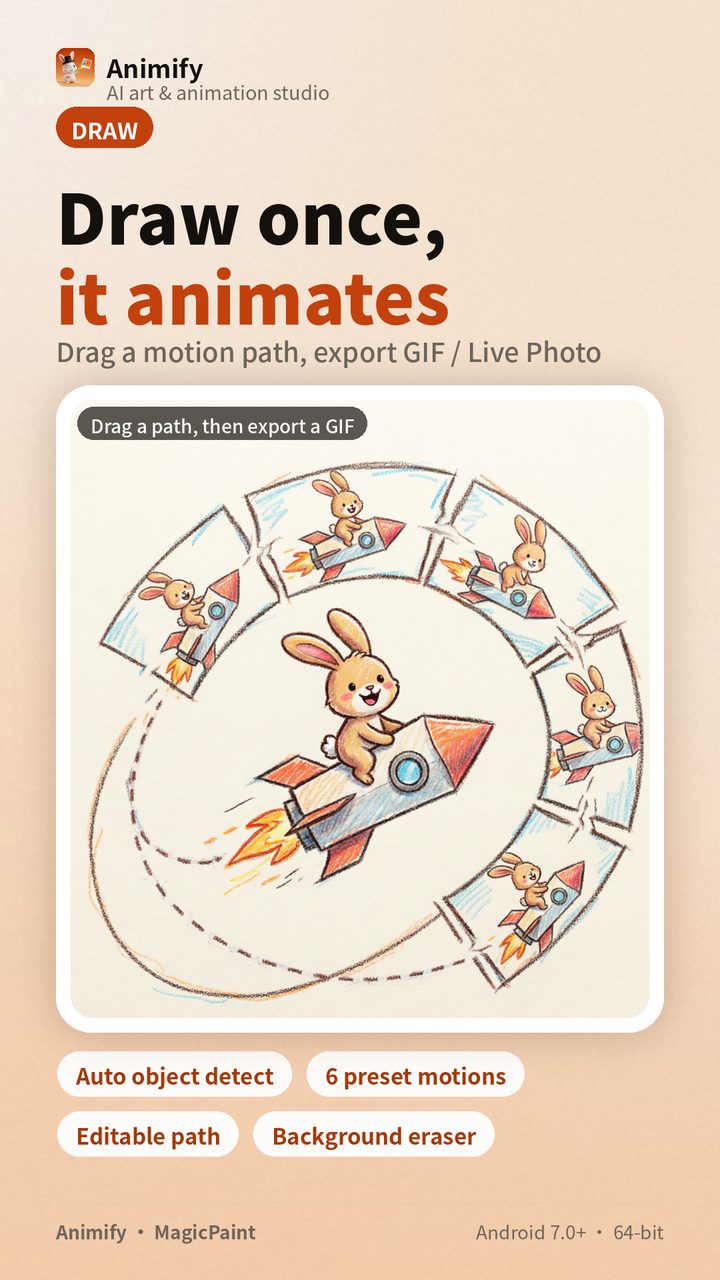
【Draw it, and it moves】Shapes drawn on the whiteboard are automatically recognized into individual objects; drag an object a distance and that motion becomes animation frames. Stack 6 preset effects (rotate, flip and squash, two levels each) and a little moving thing is born. Don’t want to start from scratch? Paste an image as a base layer and trace over it.
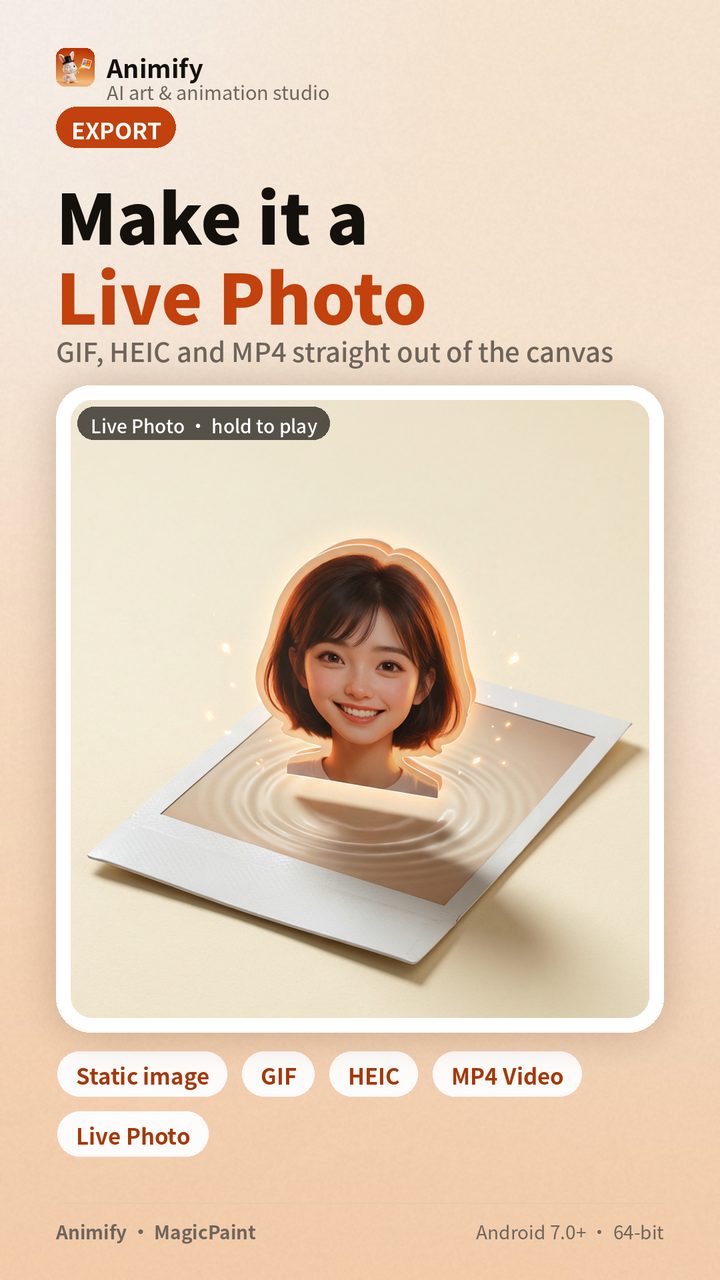
【Photos that move in your gallery】Export comes in 6 forms: drawing + base, drawing only (transparent base), GIF, HEIC, Live Photo, MP4 video. Live Photos are packaged per device vendor, so on vivo, OPPO / OnePlus / realme, and Huawei / Honor, the gallery recognizes them as press-to-move live photos rather than a static image sitting there. Quality has three tiers (Ultra / HD / Low); pick Low when sending on chat apps.
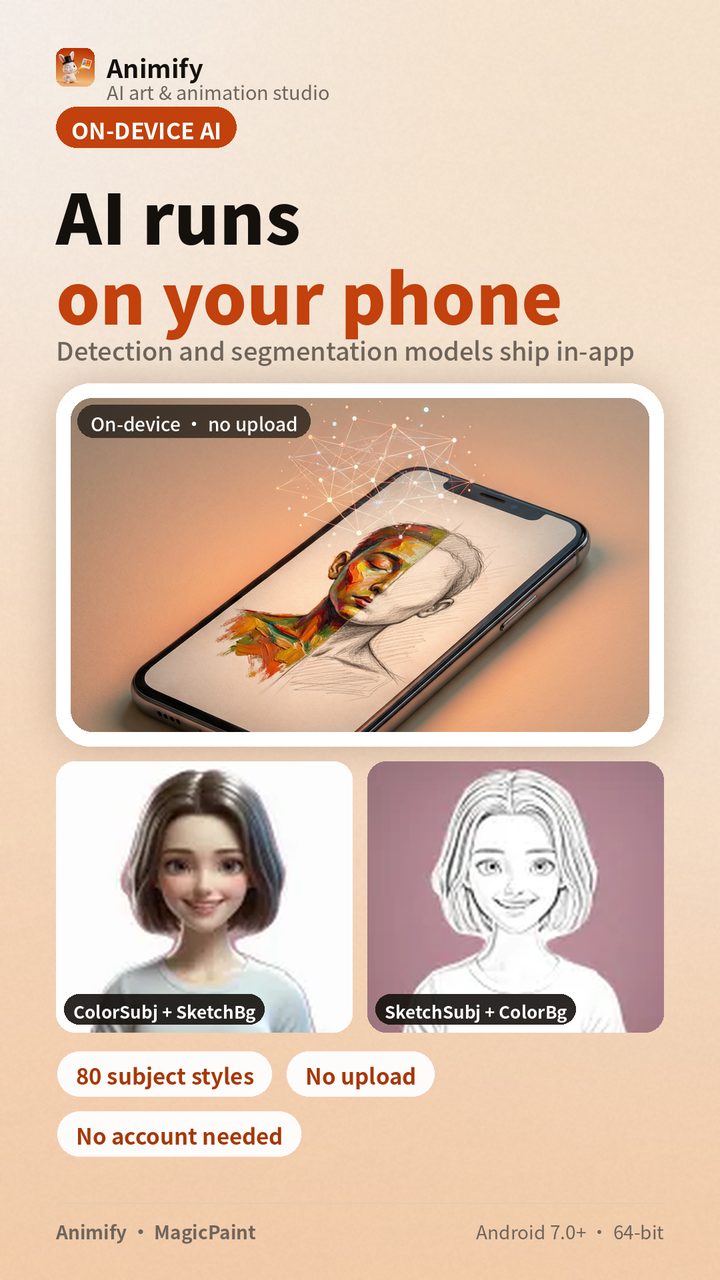
【AI runs inside your phone】The object-detection and subject-segmentation models ship inside the app; processing stays offline and never sends your photos to a server. 80 “subject / high-contrast” styles rely on it: the person keeps colored oil paint while the background fades to pencil sketch.
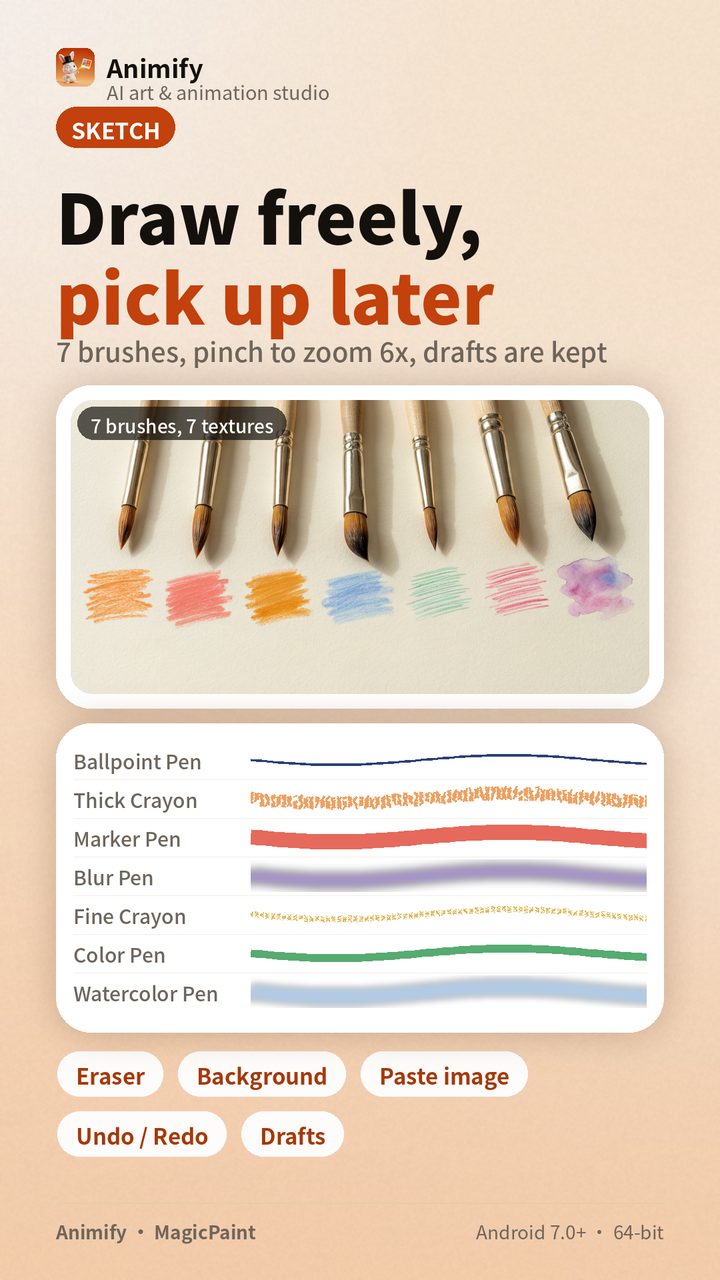
【One pen is enough】7 brushes (ballpoint, thick crayon, marker, smudge, thin crayon, colored pencil, watercolor), plus eraser, background color, paste-image and undo/redo. Spread two fingers to zoom the canvas up to 6× and keep refining details, or pan back out to see the whole. Leave mid-way and nothing is lost — the Drafts box and “Continue” on the home screen bring you back to your last stroke.
【No sign-up, and it never asks for camera access】No account system — install and go. It requests no camera permission and no location permission; until you accept the privacy policy, the app loads no network content and initializes no ad SDK.
【Template Picks】In Discover, see what others made with the same styles; tap “Make one like this” to reproduce it straight in the studio. Publish your own work, and once it passes review it goes live for more people to see.
Animify isn’t just a filter app — it’s a pocket animation studio. Open it, pick a photo, or start from a blank canvas; the moment you finish drawing, it moves.
App Screenshots